
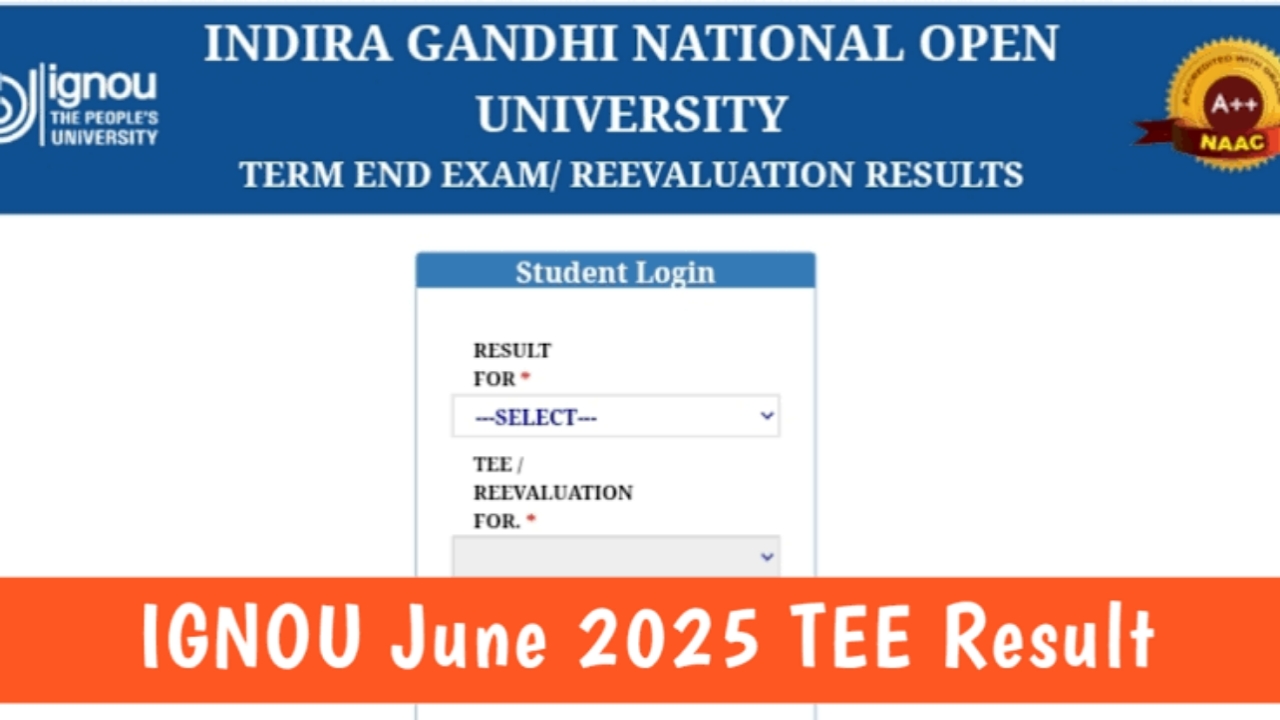
IGNOU Distance Learning Institute is going to release the results for the June 2025 TEE in the upcoming weeks. These results will be available online, so students can check them from anywhere. You just have to visit the official website. IGNOU’s June 2025 Term End Examinations were held over a month long period, starting on June 12 and wrapping up on July 19, 2025.The examinations were held daily in two sessions a morning slot from 10:00 am to 1:00 pm and an afternoon slot from 2:00 pm to 5:00 pm.
IGNOU TEE 2025 June Results – Use The Below Steps
If you have appeared for the IGNOU June Term End Examination (TEE) 2025, checking your result online is very simple. Start by visiting IGNOU’s official website at ignou.ac.in. On the homepage, check the ‘Student Support’ option in the menu bar and click on it. From the dropdown list, select ‘Results’.
Next, click on the ‘Term-End’ link. You will see a list of examination sessions select June 2025 from the options. Once the result page opens, you will find a box where you need to enter your 9 digit enrollment number. Enter your enrollment number, hit the ‘Submit’ button, and your result will be displayed on the screen in PDF format.
Important Points to Keep in Mind While Checking Your IGNOU Result
First, check all your details carefully. Make sure your name, enrollment number, course codes, and marks are correct on the scorecard. Even a small mistake can create problems in the future. If you notice any error, contact your regional IGNOU centre right away and get it corrected as soon as possible.
Second, remember that IGNOU releases results in parts. This means they upload marks for some courses first, and the rest come later. So, if you don’t see your complete result right now, there’s no need to panic. Just wait for a few days and check again. Finally, make sure to check your results only through IGNOU’s official portal at ignou.ac.in.
Final Words for Students
The IGNOU June 2025 results are on the way, and soon you’ll be able to see how you performed. Be patient if your result is not uploaded yet, because the university is working to make sure all students get their correct marks. Once the results are live, grab your enrollment number, follow the simple steps above, and download your scorecard. This will help you plan your next steps, whether it’s moving to the next semester, applying for jobs, or requesting a re check of your marks.